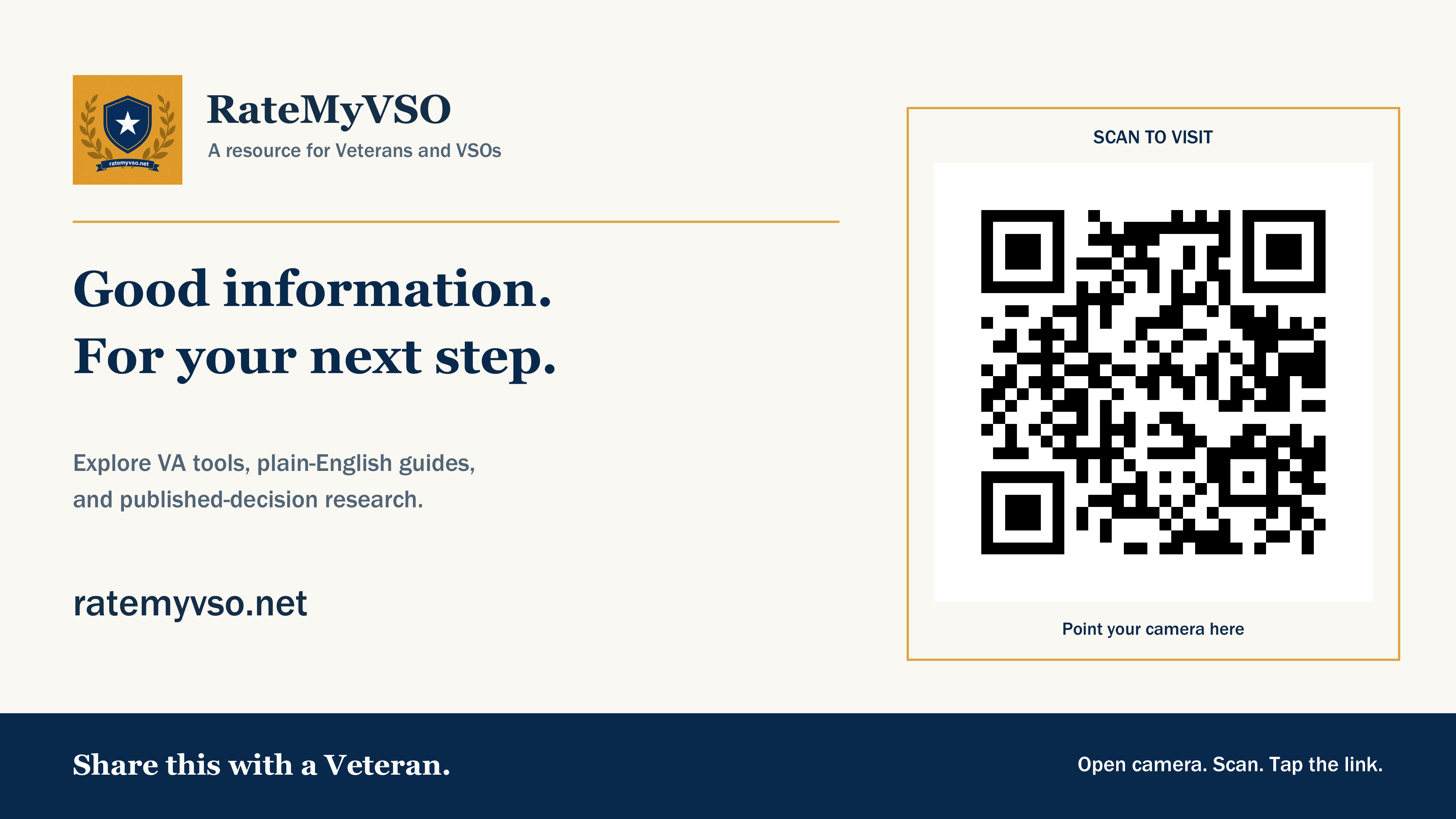
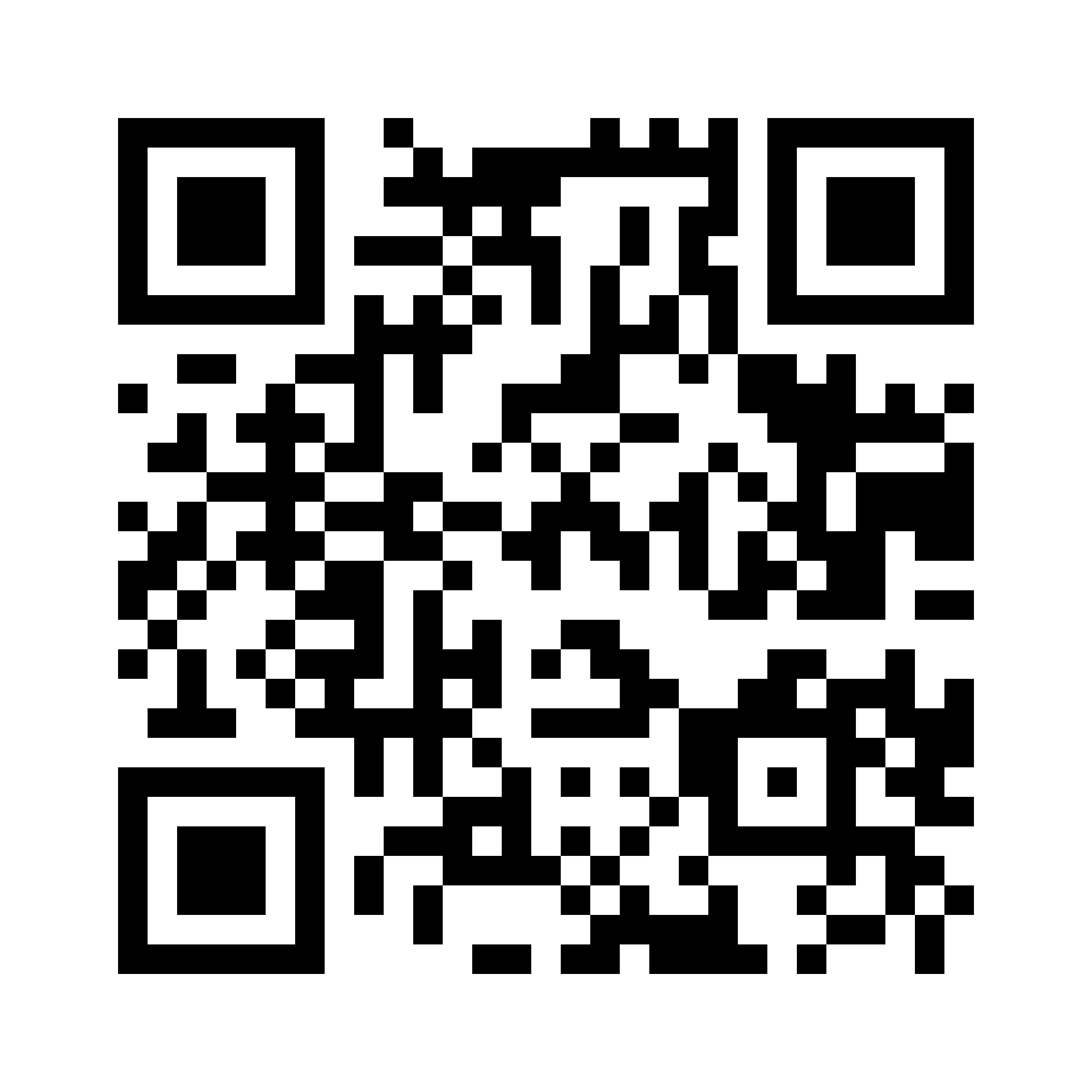
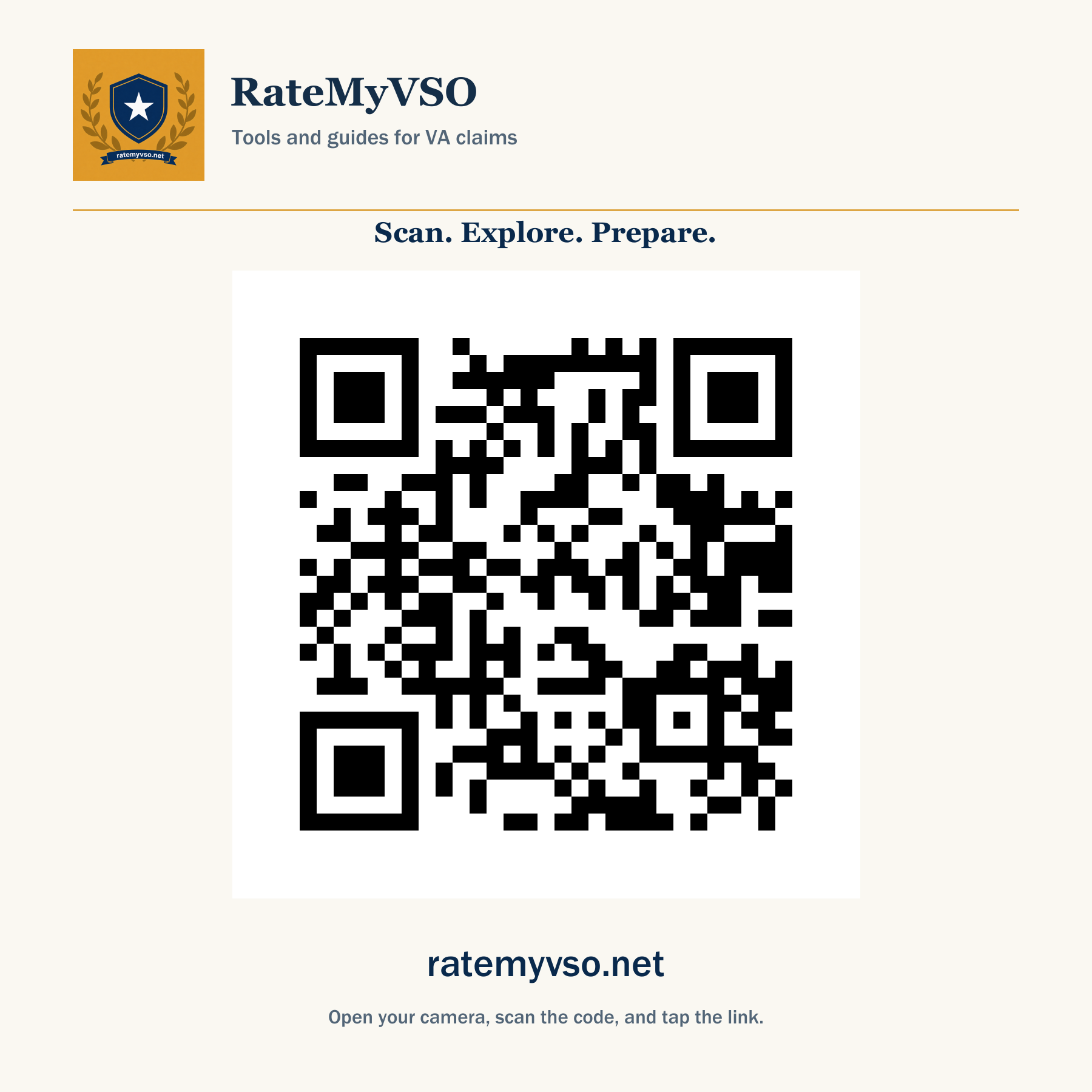
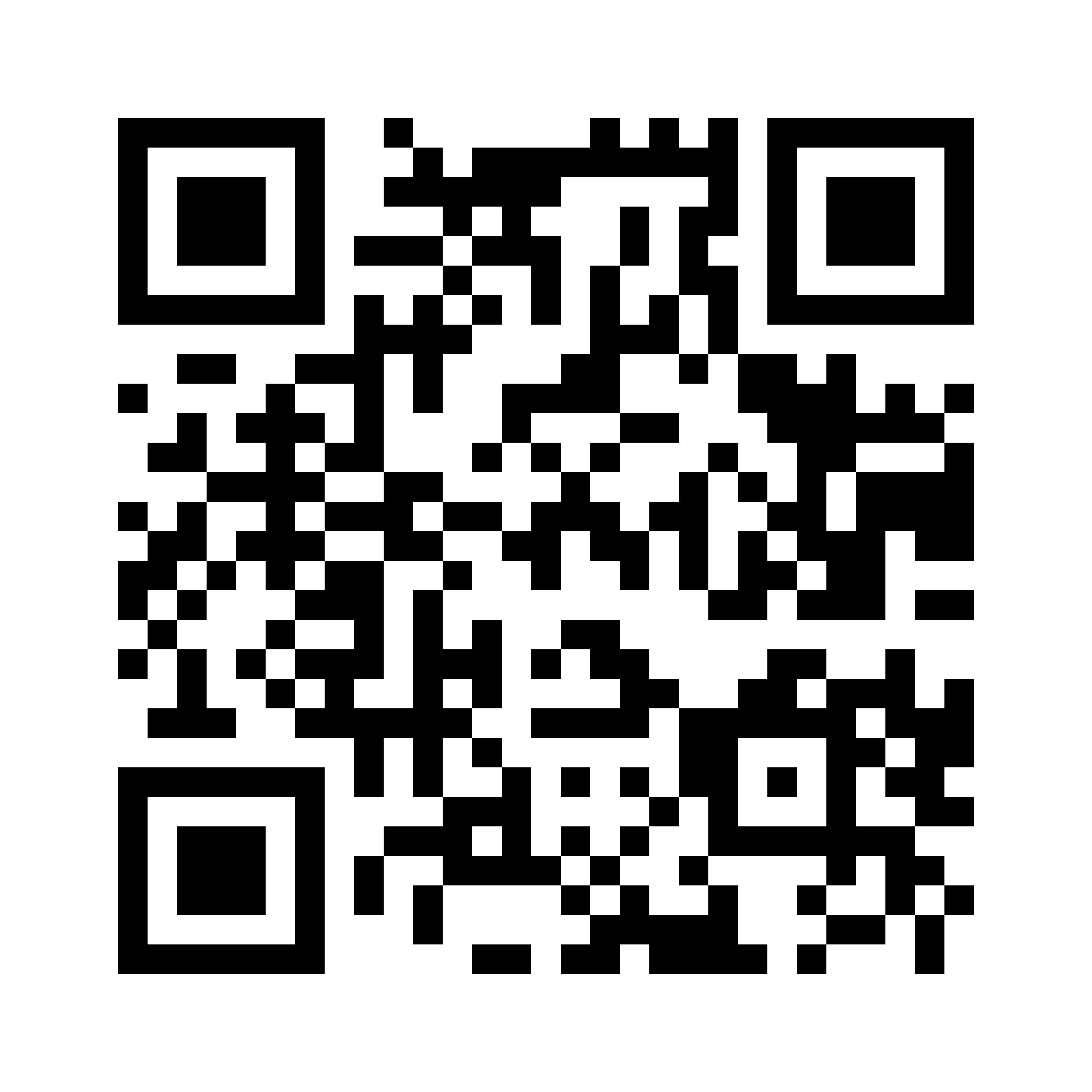
Giving a presentation, helping a Veteran, or stocking an office resource table? Download a QR image that opens RateMyVSO on a phone. Use the presentation graphic in your slides or share the square image by email.
Every code opens the homepage, ratemyvso.net. Show the address next to the code wherever you use it, so anyone can type it instead of scanning.
If your browser opens an image instead of saving it, right-click or long-press the image and choose Save.
Using the code
Usage note: Open your phone's camera, scan the code, and tap the link. Keep the white space around the QR code, and include ratemyvso.net wherever you share it.
Presentation note: Insert the widescreen image on a blank 16:9 slide without cropping. Test it from the back of the room before your presentation.